Anthropic dropped something big today and the internet noticed. The official Claude X account posted at 5:38 PM that Claude can now use your computer to complete tasks, opening apps, navigating your browser, filling in spreadsheets, anything you’d do sitting at your desk. The tweet hit 14.4 million views within hours. This is not a minor feature update. This is Anthropic fundamentally changing what Claude is.
Here’s the full breakdown of what launched, how it works, and what it means for regular people.
What Is Claude Cowork
Cowork is Anthropic’s agentic system for knowledge work. It lives inside the Claude desktop app alongside Chat and Code, and it operates completely differently from the Claude you’re used to.
When you use Claude in the browser, it responds to messages. It describes how to do things. It drafts text and answers questions. It’s a conversation partner. Cowork is something else. You give it a goal, it builds its own plan, works through it step by step, and delivers a finished result. A formatted spreadsheet. A prepared report. An organized folder. A briefing doc. You review the output and decide what’s next.
The difference is the gap between a chatbot that tells you how to organize your Downloads folder and an assistant that actually goes and does it. Cowork is the second one.
It runs on your machine, not in the cloud. Files stay on your computer. Processing happens locally. For Team and Enterprise users Anthropic is explicit that Cowork conversation history is stored on your device, not on Anthropic’s servers. That matters for anyone who works with sensitive documents and has been nervous about what goes where.
What’s New Today: Computer Use and Dispatch
Two things launched today that make Cowork significantly more powerful.
The first is computer use. Claude can now interact directly with your screen. It opens apps, navigates your browser, fills in forms, runs tools. Anything you can do sitting at your desk, Claude can do. When there’s a direct connector available for a service like Slack, Gmail, or Google Calendar, it uses that first because it’s faster and more precise. When no connector exists, it falls back to your browser. When neither option is available, it goes to your screen directly as a last resort. Before accessing any application it asks for your permission. You see exactly what it’s doing at every step and can stop it at any point.
Anthropic is clear that this is a research preview and recommends not using it for sensitive information yet. Computer use is available for Claude Pro and Max subscribers on macOS right now.
The second thing is Dispatch, and this is where it gets genuinely exciting for regular people.
Dispatch: Your AI Working While You’re Away
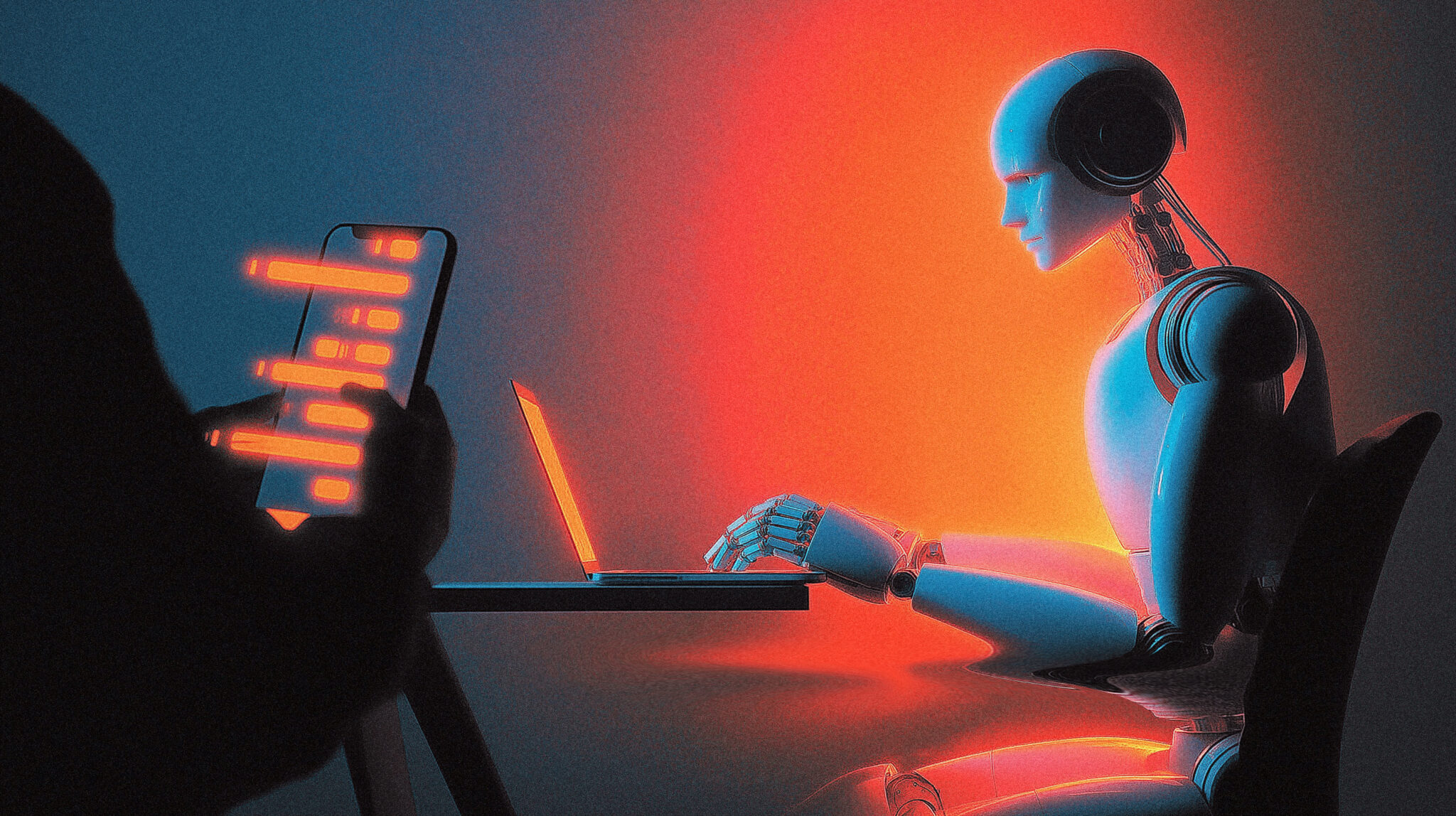
Dispatch is a persistent thread that follows you from your phone to your desktop. You pair your phone with the Claude desktop app by scanning a QR code in the Cowork section, which takes about 60 seconds. Once paired, you can send Claude tasks from your phone from anywhere. Text from your couch, your car, a coffee shop, anywhere. Claude picks up the task on your desktop, does the work against your real files using your real tools, and sends you back the result.
The announcement tweet from Anthropic captured it cleanly: assign a task from your phone, turn your attention to something else, come back to finished work on your computer. Tell Claude once to scan your email every morning or pull a report every Friday, and it handles it from there.
One early user described the exact workflow that unlocked this for them. They needed to prepare for an upcoming presentation, had all the materials in a folder, needed to head out to meet a friend, left their PC running, and used Dispatch from the street. Claude opened a Cowork session, worked through the task with a to-do list visible in the progress panel, pulled the relevant files, and delivered a finished PowerPoint deck. The same result showed up on both the desktop and the phone. They never had to be at their desk.
Another user described dispatching tasks from an Uber: voice-dictating a multi-step content workflow that went from transcript to formatted notes to an Airtable entry, all running on their desktop while they were in the car.
This is not a demo or a stretch use case. This is the feature working exactly as described.
A few things to know before you set it up. Your desktop needs to be on and awake for Dispatch to work. Claude Desktop needs to be open. Set your Mac to not sleep if you want to send tasks and step away. Simple tasks like summarizing emails or finding files work very reliably. Complex chained tasks, like summarize my emails then create a Notion page from the summary then share it with my team, are still hit or miss at this stage. Start simple, build up.
38+ Connectors and the Plugin System
Cowork connects to over 38 apps out of the box. Gmail, Slack, Google Calendar, Google Drive, Notion, GitHub, Figma, Trello, Asana, Dropbox and more. Claude uses these connectors as the primary way to interact with your tools, which is both faster and more controlled than screen-based access.
Beyond the built-in connectors there’s a plugin system that lets you bundle skills, connectors, and specialized sub-agents into a single install. Anthropic has already launched plugins for brand voice, legal contract review, and finance workflows. The idea is that you install a plugin and Claude immediately shows up as a specialist for your role, with domain knowledge and best practices baked in, rather than a general assistant you have to configure from scratch.
Plugins consist of three things. Skills, which are domain knowledge and best practices. Connectors, which link Claude to the tools your team already uses. And sub-agents, which are specialized agents that handle specific task types end to end.
Real companies are already using it at scale. A Zapier AI Automation Engineer connected Cowork to their org database, Slack, and Jira and asked it to identify engineering operational bottlenecks. Claude came back with an interactive dashboard, team-by-team efficiency analyses, and a prioritized roadmap. The CTO of Thomson Reuters described the human role shifting to validation, refinement, and decision-making rather than repetitive rework. A Director of AI Initiatives at Jamf described building a skill that turned a complex performance review spreadsheet into a guided interactive experience in 45 minutes, something they said would have required a full engineering team building a custom React app otherwise.
What Claude Can Actually Do With Your Files
The file support is broader than you might expect. Cowork can read, create, edit, and analyze Word docs, PDFs, plain text, Markdown, HTML, JSON, CSV, Excel spreadsheets, PowerPoint presentations, images, YAML, XML, Jupyter notebooks, and essentially any programming language file. You grant access to specific folders and Claude works within those boundaries. It can’t access anything you haven’t explicitly permitted.
The task categories Anthropic highlights on the product page give a sense of the practical range: scheduling tasks, organizing files, building spreadsheets, preparing reports, analyzing notes, creating daily briefings that pull from Slack and Notion, sizing markets with finished PowerPoint or Excel deliverables, synthesizing customer feedback from call transcripts and CRM notes, turning folders of legal documents into organized exhibit sets.
This isn’t “AI helps you write an email” territory anymore. This is AI that completes projects.
How It’s Different From OpenClaw
It’s impossible to talk about Cowork without mentioning OpenClaw, and Anthropic knows it. 9to5Mac’s headline today was blunt: “In other words, Anthropic itself is doing OpenClaw stuff now.”
OpenClaw, the open source agent built by Austrian developer Peter Steinberger that went viral in late 2025 and accumulated 200,000 GitHub stars, proved there was massive demand for exactly this capability. Text your AI from iMessage, have it do real work, get a result back. The concept was simple and the execution resonated with hundreds of thousands of people. Steinberger was hired by OpenAI in February 2026. Anthropic launched Cowork Dispatch in March.
The difference is what Anthropic is positioning as the reason to choose Cowork over any open source alternative: safety, managed infrastructure, and ease of setup. No complex self-hosting. No sketchy permissions. No hoping your open source plugin isn’t doing something you didn’t ask for. The connectors are officially maintained, the security model requires your explicit permission for every folder and app, and the pairing system locks phone access to your specific account. Files never leave your computer.
OpenClaw was powerful and messy. Cowork is aiming for powerful and controlled. For the audience VirtualUncle writes for, regular people who want the capability without the technical risk, that distinction matters a lot. If you want a deeper look at the open source agent alternatives, we also covered Hermes Agent from Nous Research which takes a different approach with persistent memory that gets smarter over time.
Pricing and Availability
Cowork is included in Claude Pro at $20 per month, which Anthropic notes is better for quick tasks like organizing a folder or pulling together a short report. We did a full review of Claude Pro if you want the honest breakdown of what you’re actually getting for that price. The warning is honest: Cowork consumes usage limits faster than regular chat because it coordinates multiple sub agents and tool calls to complete complex work. For heavier use they recommend upgrading.
Claude Max at $100 per month is described as great value for everyday use on longer more complex tasks. Max at $200 per month is for power users who hand off work throughout the day.
Computer use and Dispatch are both in research preview for Pro and Max subscribers on macOS today. Dispatch is rolling out gradually and may not be available to all eligible users immediately. Windows support for Dispatch is listed as coming, with phone pairing currently available on both iOS and Android.
To get started: download the Claude desktop app at claude.ai/download, sign in with your existing Claude account, and look for Cowork in the app alongside Chat and Code.
The Bigger Picture
What launched today is genuinely different from anything Anthropic has shipped before. The browser Claude is a conversation partner. Cowork is an operator. It sits on your machine, connects to your tools, works through multi-step tasks, and reports back when it’s done. The phone integration means it doesn’t need you at your desk to get started.
The 14.4 million views on the announcement tweet weren’t from AI enthusiasts getting excited about another benchmark. They were from regular people seeing something that looked immediately, practically useful. Text your AI assistant a task. Come back to a finished report. That’s a sentence most people understand without explanation.
It’s a research preview. Complex chained tasks are still unreliable at this stage. Computer use is new enough that Anthropic recommends caution with sensitive information. But the floor for what’s possible just moved significantly, and it moved in the direction of regular people actually being able to use it without a setup guide.